Simple tools for
everyday life.
Small, focused apps that do one thing well and stay out of your way. One account covers every one of them — free for 30 days, then $12 a year. Family is $36 and covers your whole household.
Our Products
Tools we build and use ourselves.
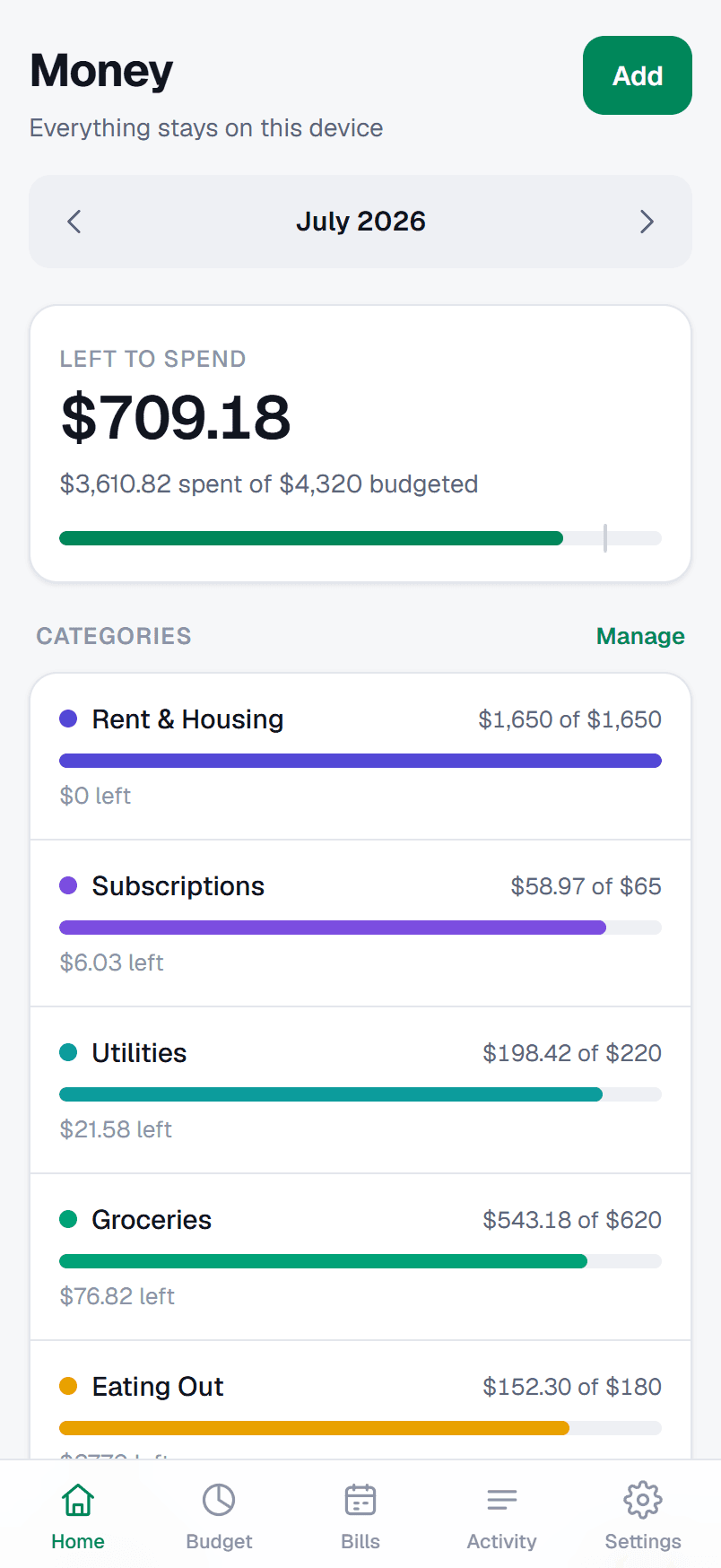
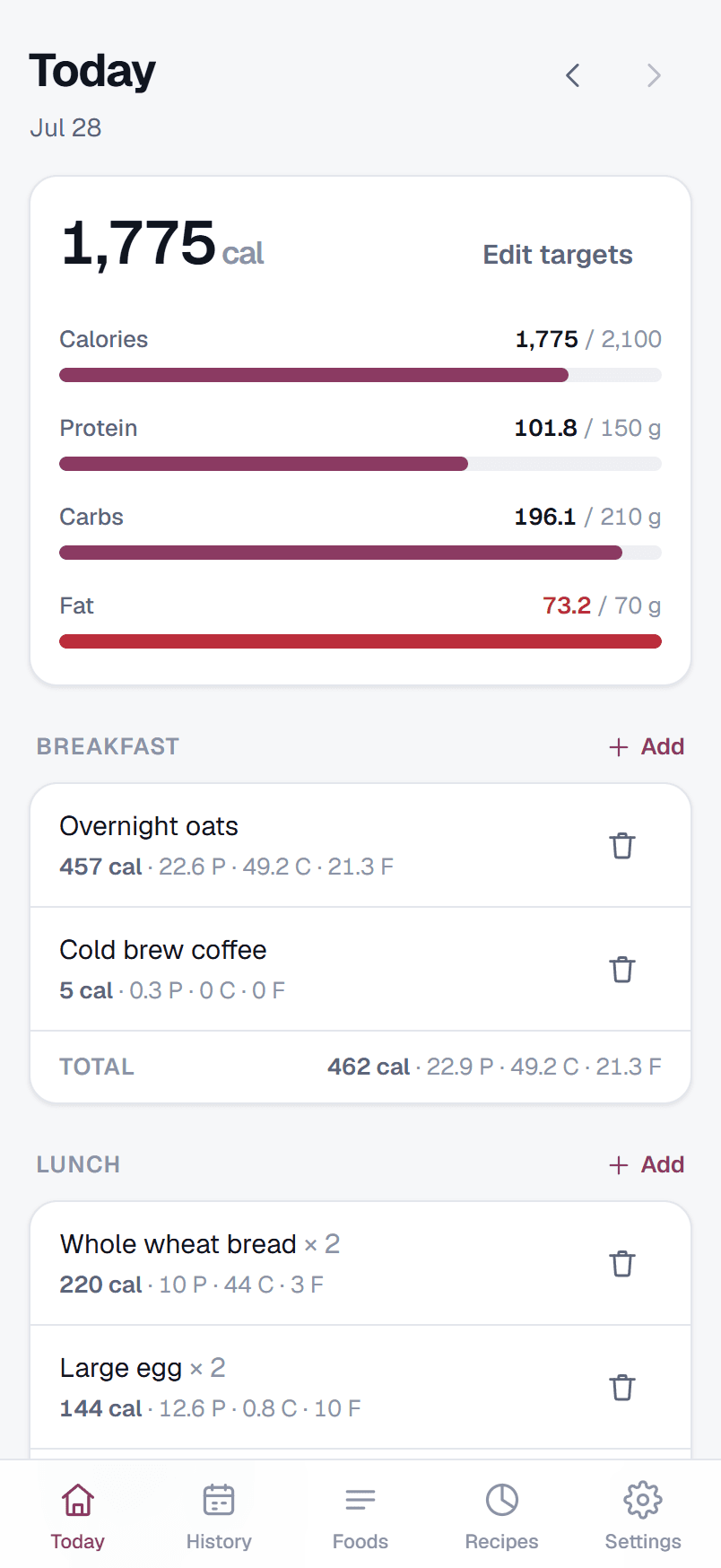
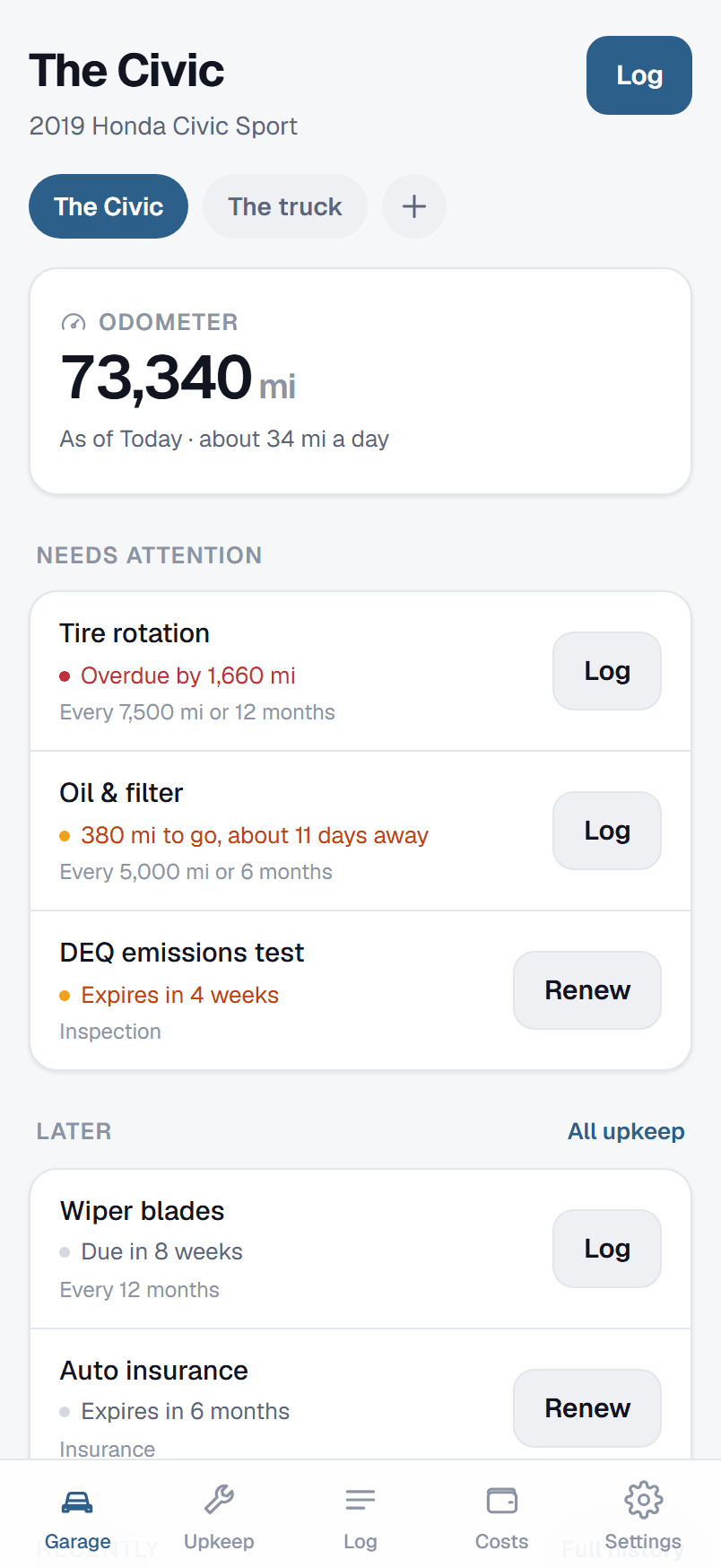
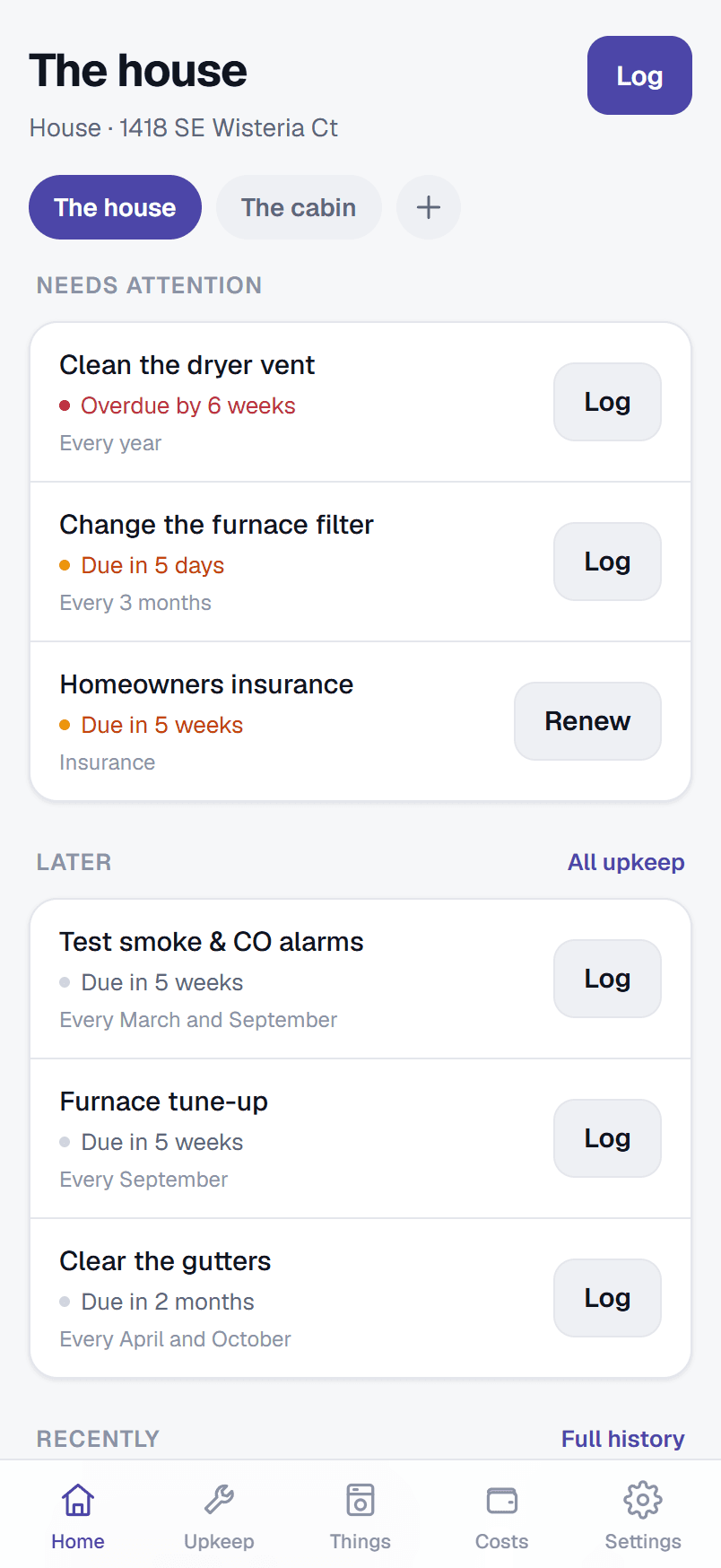
More on the way
We're building the next simple tool for everyday life. Want to know when it lands? Get in touch.
One Klowd account
Sign in once. Use everything.
One account, one password, one subscription across every Klowd app. Add a product when you want it and drop it when you don’t — what you pay follows what you actually use.
Your data is encrypted on your device before it ever reaches us, with a key made from your password. We hold something we can’t open — which also means a forgotten password can’t be recovered, so keep your exports.
Free for 30 days. No card up front.
Your Klowd account
- MoneyBudgeting$12/yr
- FoodFood tracking$12/yr
- AutoCar care$12/yr
- HomeHome upkeep$12/yr
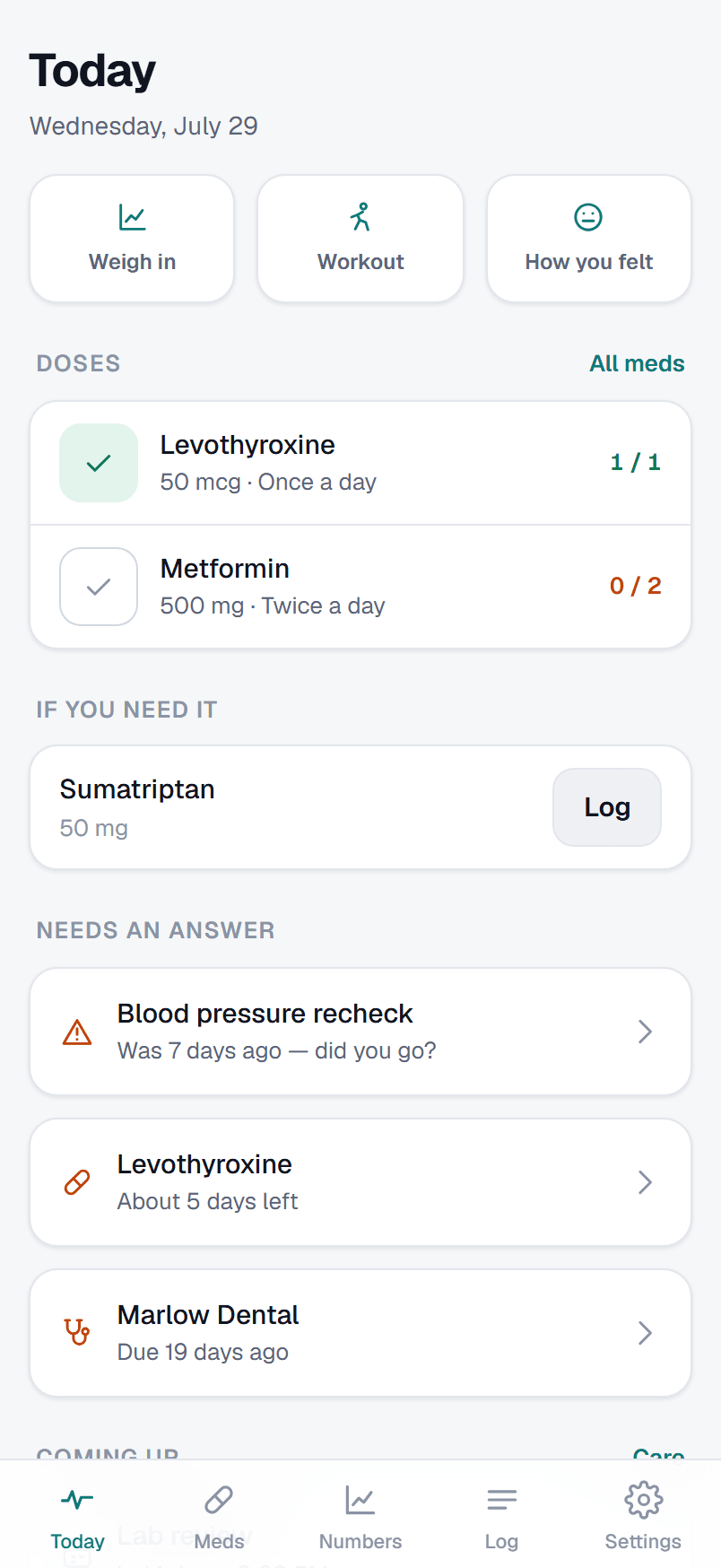
- HealthHealth$12/yr
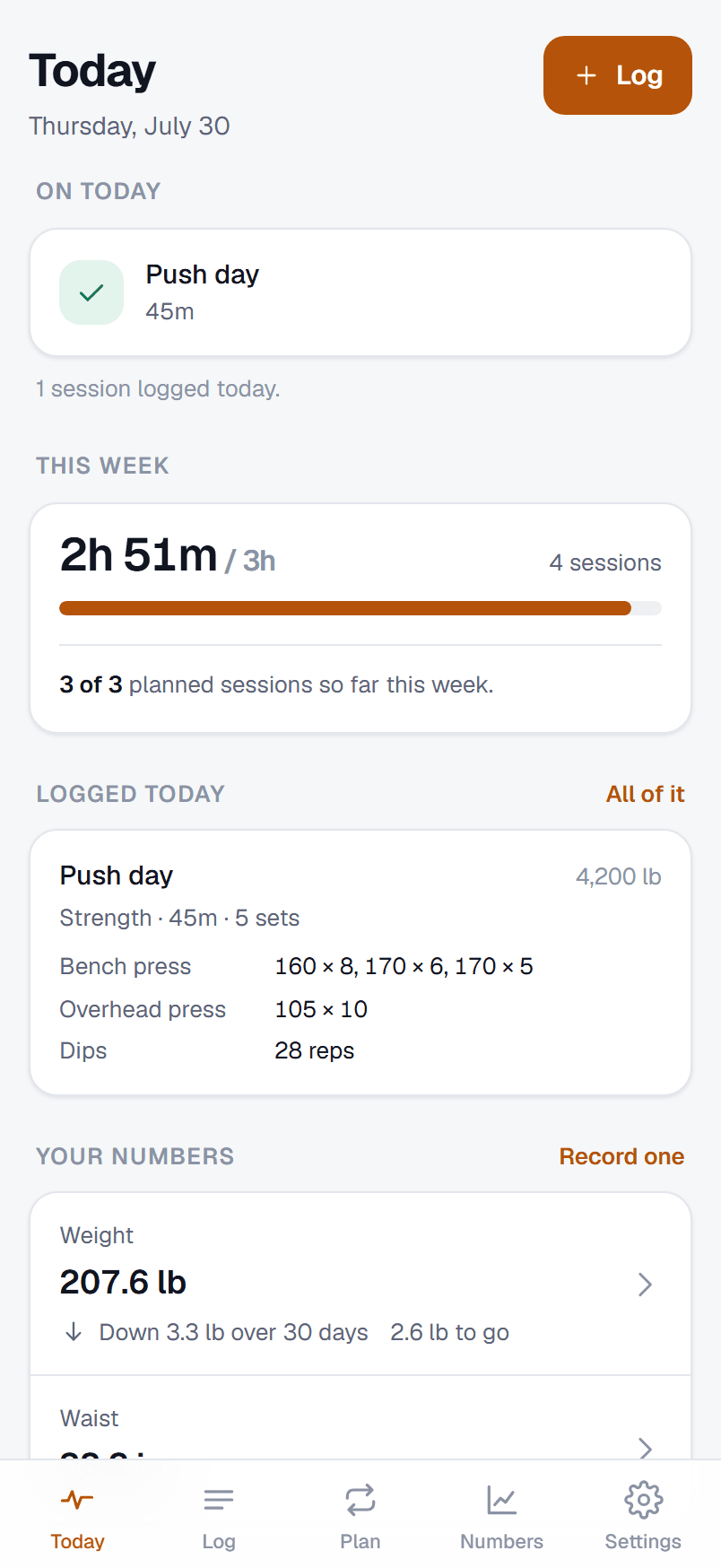
- FitnessTraining$12/yr
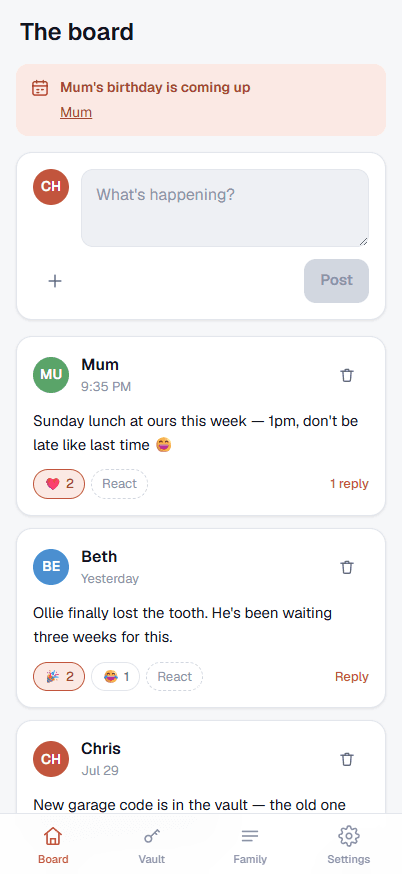
- FamilyFamily$36/yr
- More comingBuilt the same way—
30 days free. Cancel any time from your account.
Web, desktop and phone
Use them anywhere. Install them everywhere.
Every Klowd app runs in a browser, and every one of them can be installed — on your Mac or PC, and on your phone. It’s the same app either way, with the same data behind it; installing just gives it its own icon and its own window. Each app has an Install button in its own settings, and where a browser won’t allow that, it shows you the two-tap gesture instead.
In your browser
Nothing to install at all. Open the app, sign in, and everything is there — on your own computer or a borrowed one.
How: Go to the app’s address, like money.klowd.software. That’s it.
On your desktop
Its own icon in your dock or taskbar and its own window, with no tabs or address bar around it. Alt-tab to it like anything else you have open.
How: Open the app’s settings and tap Install, or click the install icon in Chrome or Edge’s address bar. In Safari, choose File → Add to Dock.
On your phone
On your home screen beside everything else, opening full screen without a browser in sight. Two taps to add, and it stays put.
How: On Android, open the app’s settings and tap Install. On iPhone or iPad, tap Share, then Add to Home Screen — Safari doesn’t let an app install itself.
No app store. Nothing to download and no store to go through — so no queue standing between a fix and you having it.
Updates itself. New versions arrive quietly in the background. You are never asked to update, and never interrupted mid-sentence to do it.
Works with no signal. Your data already lives on your device, so the app opens and works on a plane, in a basement, or on bad hotel wifi.
Install it everywhere. Phone, laptop, desktop, all at once if you like. Your account keeps every copy in step, and installing costs nothing extra.
What we value
Focused
Every product solves one real problem well, instead of doing ten things poorly.
Private
Your data is encrypted on your device before it syncs. We hold something we can't open.
Fairly priced
Free for 30 days, then $12 a year — about a dollar a month per app, or $36 for Family and everyone in it. No ads, no upsells, no data sold.
About Klowd
A small company building software that respects your time.
Klowd LLC is an independent software company. We pick one real problem that ordinary people run into, and we build the most focused tool we can to solve it.
No bloat, no ads, no endless settings to wade through — just software that does its job and gets out of your way, so you can get on with your day.
Money, Food, Auto and Home are the first of those tools. They won't be the last.